
1-6 player splitscreen multiplayer addon


d---------

-rw-r--r--
57

-rw-r--r--
1062

-rw-r--r--
1842
-rw-r--r--
2510
d---------

-rw-r--r--
11434

-rw-r--r--
511
-rw-r--r--
395
README.md
splitter



Small addon for multiplayer splitscreen
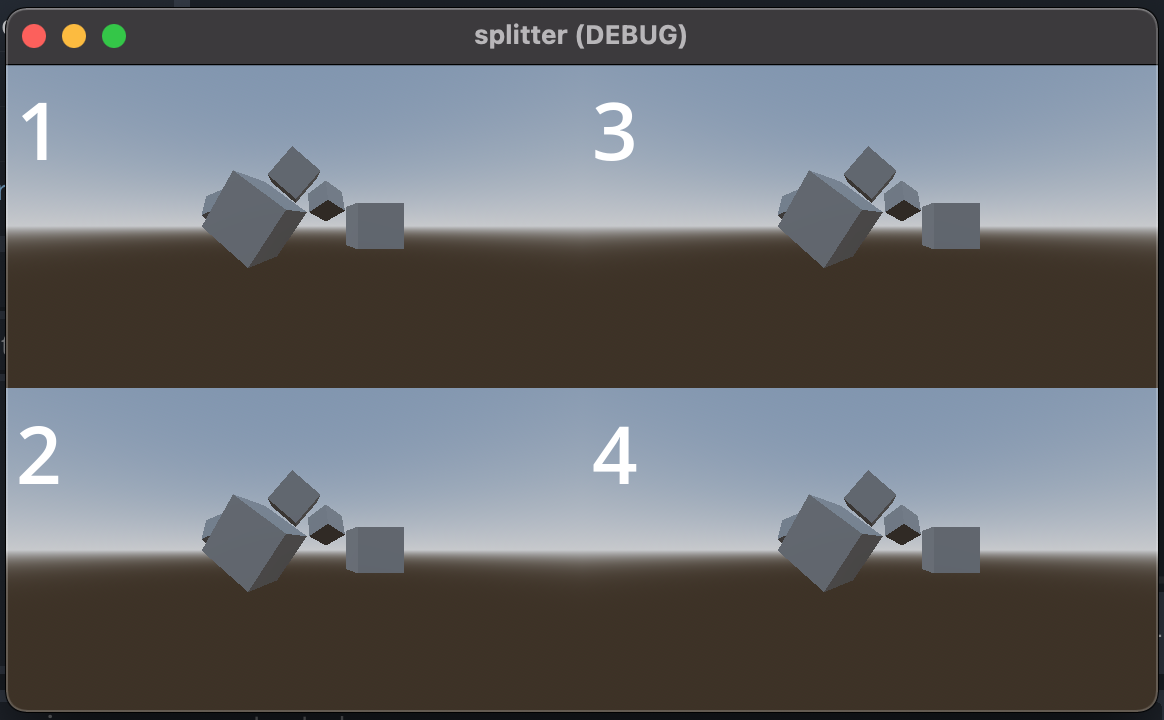
Usage
extends Splitscreen

func _ready() -> void:
  super()
  var cam := Camera3D.new()
  join().viewport.add_child(cam)
  await get_tree().create_timer(1).timeout
  cam = Camera3D.new()
  join().viewport.add_child(cam)
Installation
With the Godot Package Manager
> **Note** The information here may not be up to date. For most up to date information, see [gpm#using-packages](https://github.com/godot-package-manager#using-packages-quickstart)
> **Warning** This addon is not compatible with being used as a sub addon(a addon to another addon), as it uses classes.
This addon is installable via the [gpm](https://github.com/godot-package-manager).
To install, create a [`godot.package`](https://github.com/godot-package-manager#godotpackage) file.
It should look something like this.
packages: {
  @bendn/splitter: 1.0.1 // this is the package version.
}
gpm update # in the same dir as your godot.package
# or, if in a different dir,
# gpm update --config-file path-to-godot.package